Glyphs and Keyboards
The Glyphs and Keyboards tabs have distinct purposes.
-
The Glyphs tab defines your neography's canonical glyph order (or "alphabetic order"), and its public-facing primer material. The goal is to document the neography and help someone learn it.
-
The Keyboards tab defines an input utility that lets you type using your own neography. This is not currently presented to readers.
This means that you probably want the keyboard info to be more exhaustive than the glyph info. For example, if your font has typographical variants that aren't meaningful to a reader, or marks that aren't counted alphabetically, they can often be omitted from the Glyphs tab. Conversely, in most cases you'll want one keyboard button for each glyph in your font. (Because what's the point of a glyph that you can't type?)
You can add the data manually, but Tollerus offers some functions to automatically populate it:
- If you have an SVG font, there's an "Extract from SVG" button on each tab.
- If you've populated the glyph data, there's an "Import from glyphs" button on the Keyboards tab.
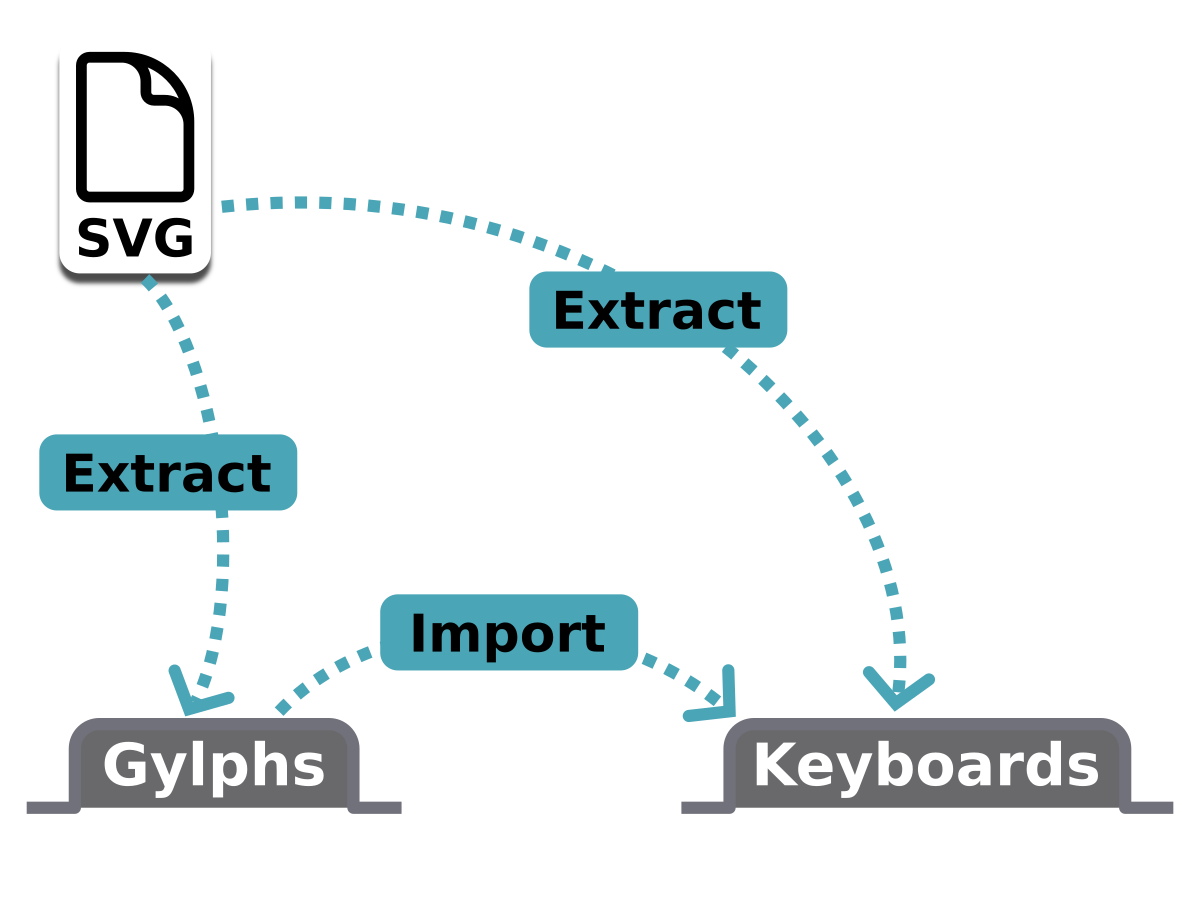
Obviously you would not want (or need) to perform both functions to populate Keyboards. SVG extraction is preferred if available. Importing from Glyphs is provided mainly for cases where (for some reason) you can't add an SVG version of your font.
IMPORTANT
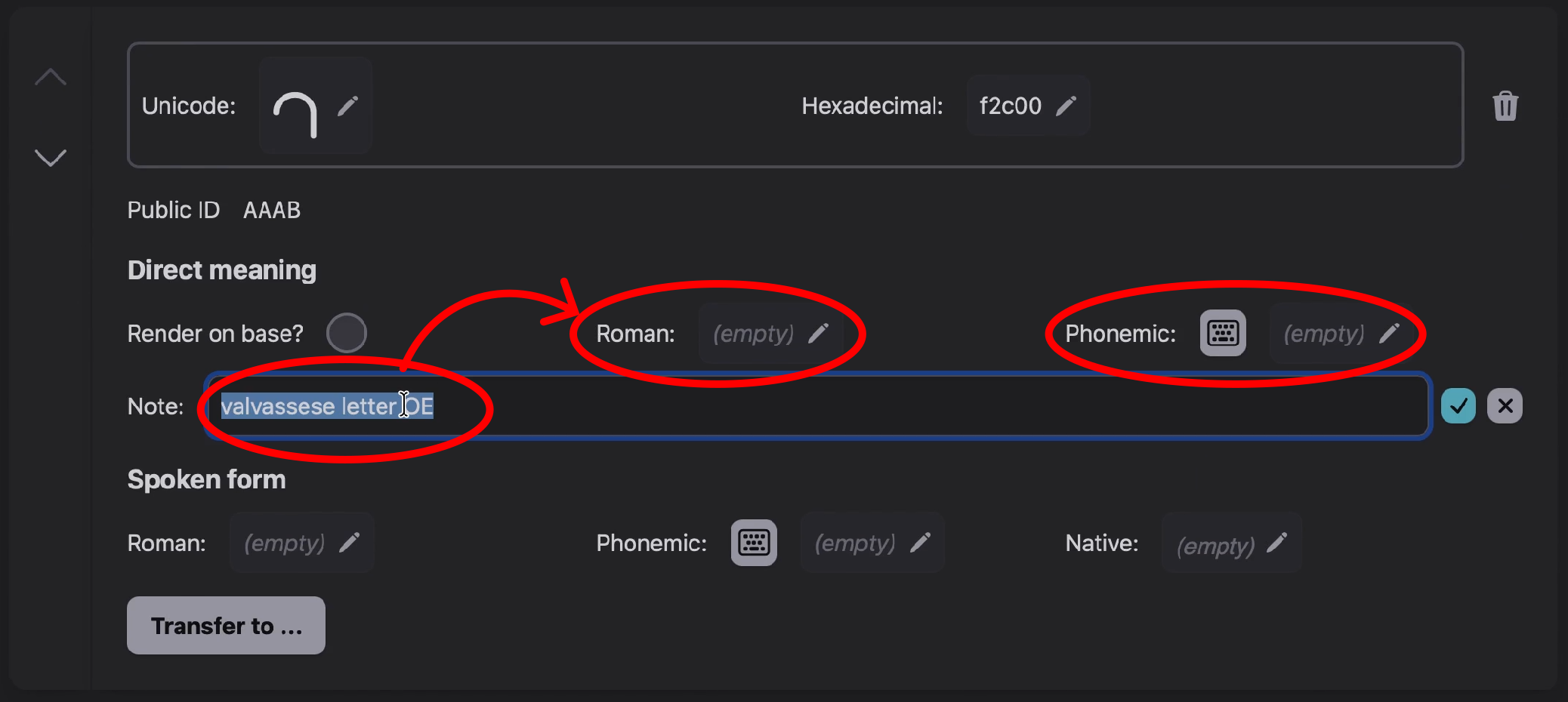
After any automatic populate function, you should check the results to see if they need cleanup or editing. It's meant to be convenient, not definitive.
| Post-extraction glyph cleanup |
|---|
 |
Next: Grammar