SVG Font
Use Inkscape (or similar software) to create an SVG font (for example using this guide). You can then convert this to other formats using FontForge.
TIP
Consider mapping your conlang glyphs to a Unicode Private Use Area, perhaps a region not yet claimed in the Under-ConScript Unicode Registry.
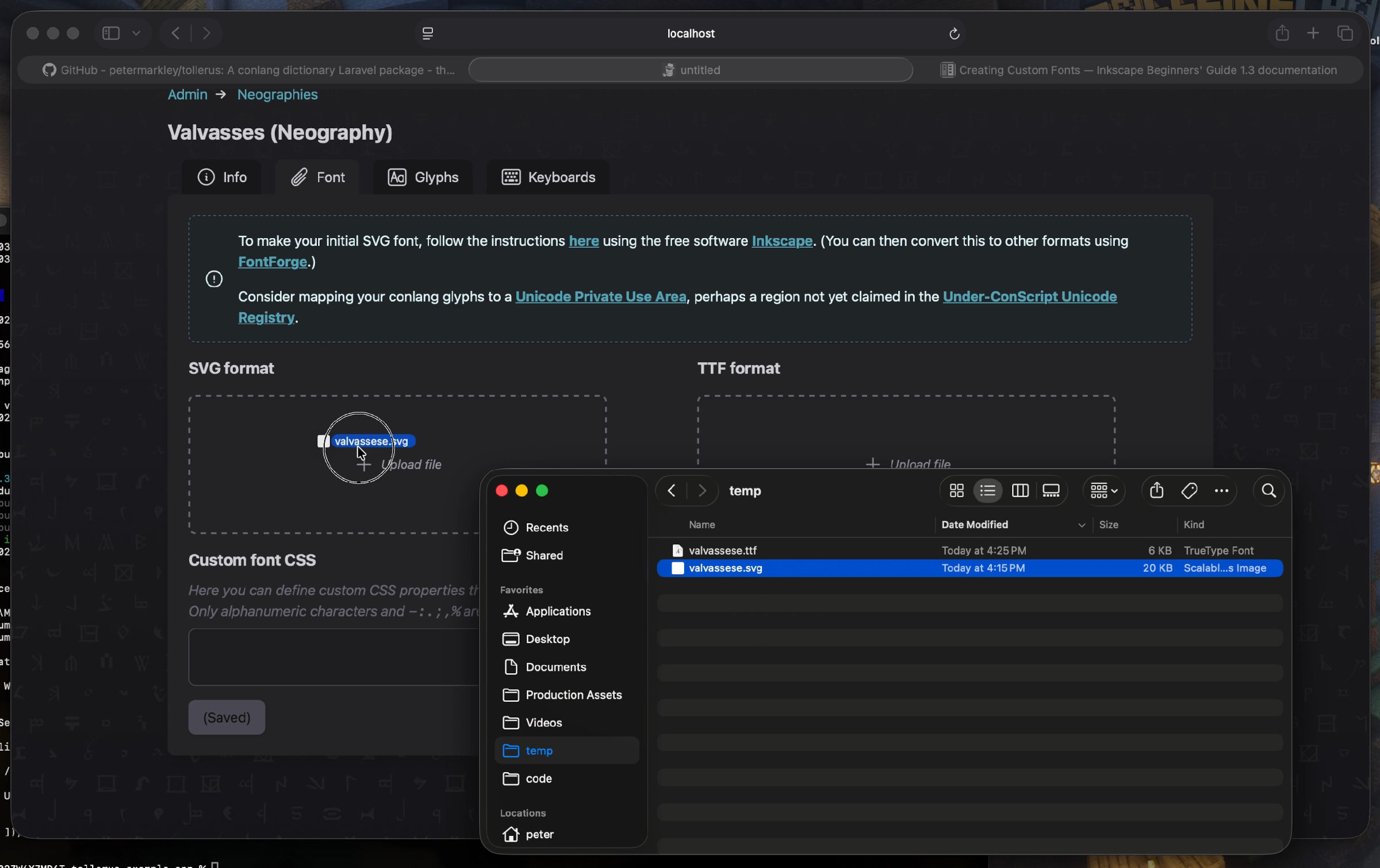
Currently Tollerus expects two formats: SVG and TTF.
- SVG is needed because it's an XML-based format that Tollerus can easily decode and use for automatically populating other data.
- TTF is needed because SVG is not supported by modern browsers, so a web-friendly font is needed for display.
TIP
If there seems to be a demand for more font formats, more can be added with minimal development in the code. See contributing.md on GitHub.
Once you have a font, from the Tollerus Admin page click "Neographies" and create a new Neography. Fill out the "Info" tab, then drag-and-drop your font file(s) into the "Font" tab.
Next: Glyphs & Keyboards